¿Cómo creo una campaña de correo electrónico en Notify?
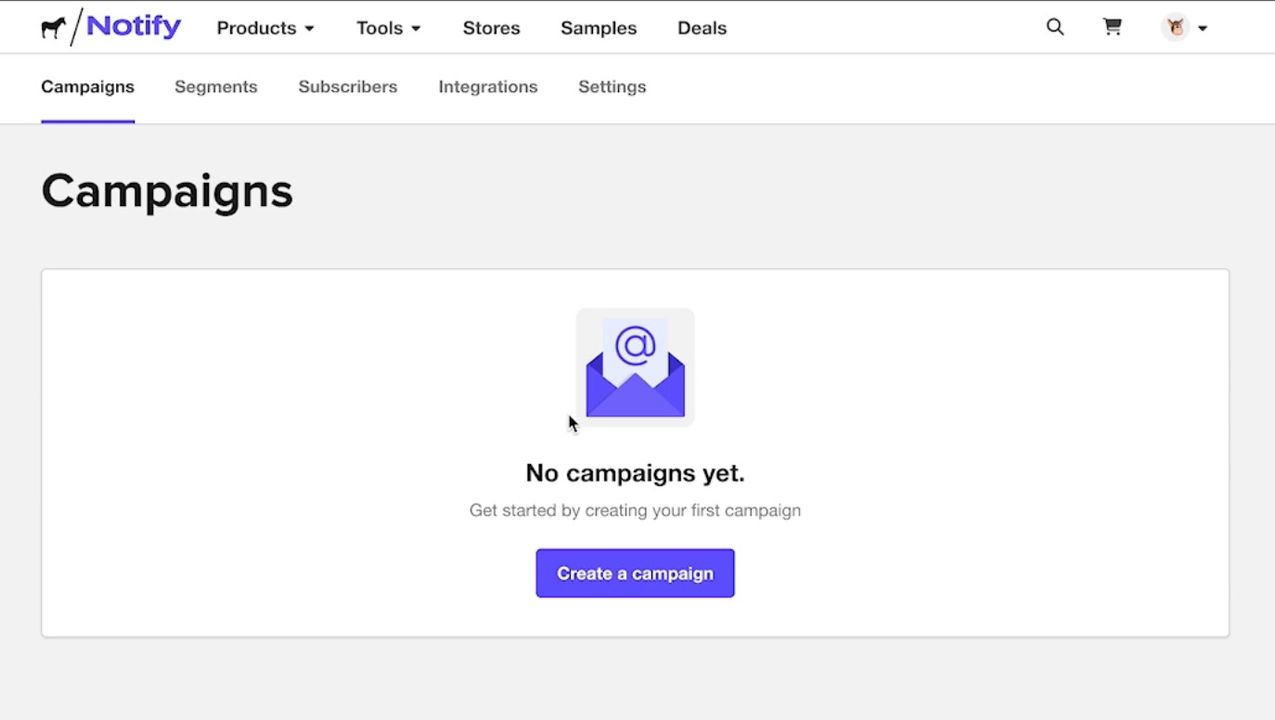
Ve a Campañas en Notify y selecciona Crear una campaña.
Crea tu correo electrónico y selecciona la dirección de correo del remitente.

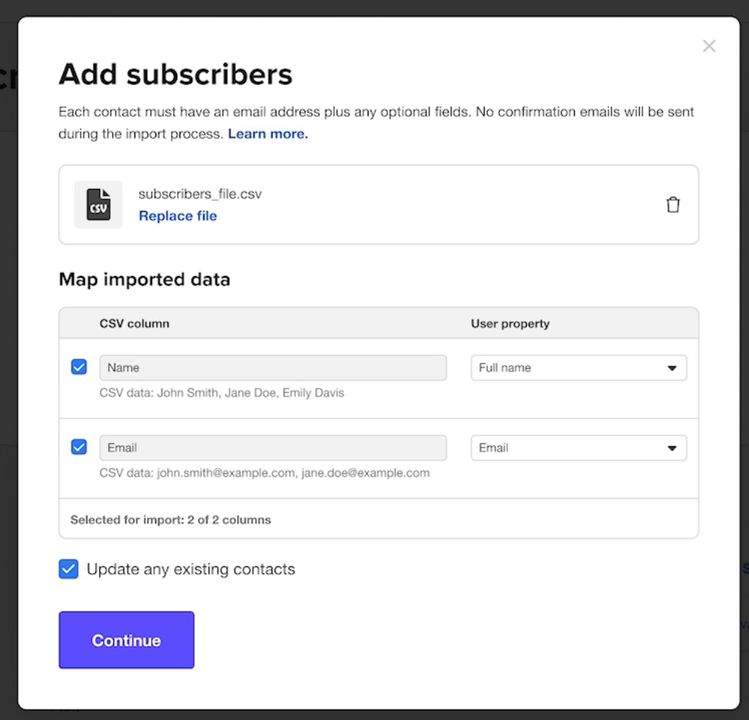
Agrega a tus suscriptores. También puedes cargar un CSV con tu lista de suscriptores.
Revisa tu campaña, completa el pago si aplica y envía.
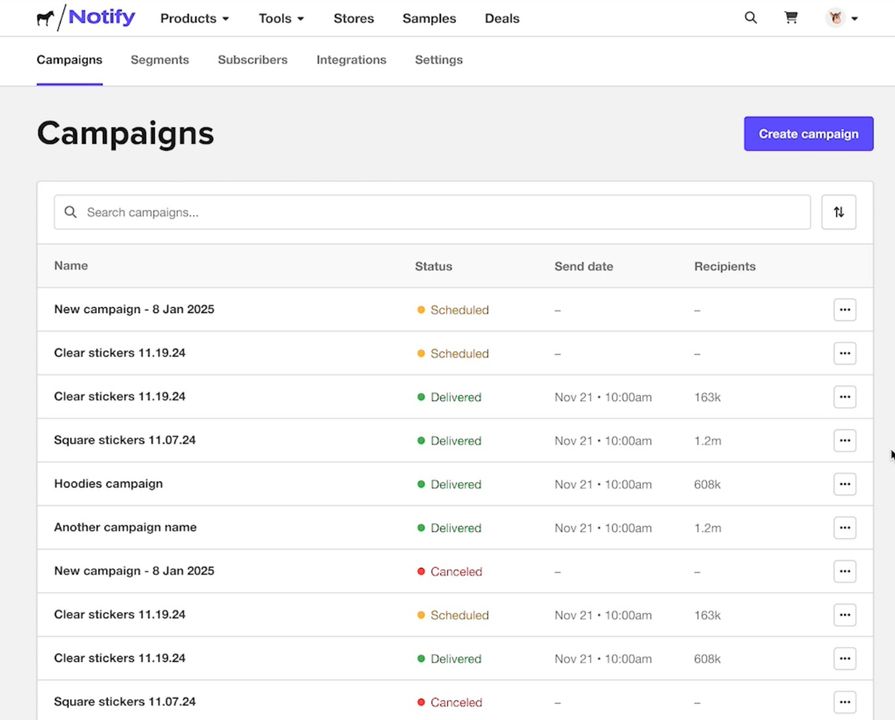
Una vez enviada, puedes monitorear tus campañas y administrar suscriptores y segmentos desde el panel de Notify.
Comentarios